
- Slevy a akce
- Počítače a notebooky
- Telefony a tablety
- Elektronika
 Kabely a redukce
- USB
- Audio-Video
- Anténní
- Cestovní adaptéry
- Datové a paralelní
- DisplayPort
- DVI
- Firewire
- Flexo kabely
- HDMI
- Koaxiální
- Kabely pro iPhone/iPad
- Konektory - audio,video,Tv
- Metráž k propojení reprosoustav
- Napájecí 230V k PC
- Organizéry kabelů
- Prodlužovací kabely a přívody 230V
- Přepěťové ochrany
- Převodníky, rozbočovače, switche, splittery
- PS/2
- Redukce
- Serial ATA (SATA)
- Sériové
- Síťové (LAN, RJ-45, Patch, 305m, 500m, box)
- Speciální prodlužovací přívody - PowerCube
- Testery kabelů
- VGA (D-SUB)
- Zásuvkové lišty a moduly
 Auto - moto
- Autonosiče na jízdní kola
- USB nabíječky do auta
- Automobilové kamery
- Autorádia
- Autodiagnostiky
- Nabíječky autobaterií
- Autochladničky
- Alkohol testery
- FM Transmittery
- Autokosmetika
- Antiradary
- Měniče napětí
- Upínače a popruhy
- Škrabky a lopatky
- Parkovací senzory
- Vůně do auta
- Přezouvání pneumatik
- Komfortní výbava
- GPS navigace
- Gaming
- Velké spotřebiče
- Domácnost
 Malé spotřebiče
- Kávovary a espresso
- Rychlovarné konvice
- Kuchyňské roboty
- Mixéry a šlehače
- Mikrovlnné trouby
- Minitrouby
- Domácí pekárny
- Elektrické grily
- Toustovače
- Topinkovače
- Vaflovače
- Fritézy
- Rýžovary
- Multifunkční hrnce
- Sous vide
- Plotýnkové vařiče
- Odšťavňovače a lisy
- Elektrické mlýnky na maso
- Kráječe potravin
- Sekáčky a struhadla
- Sušičky ovoce
- Vakuovačky
- Autochladničky
- Vychytávky do kuchyně
- Vysavače
- Parní čističe
- Žehličky
- Úprava vzduchu
- Dílna a zahrada
 Auto-moto
- Autonosiče jízdních kol
- Autostany
- Markýzy k autu
- USB nabíječky do auta
- Automobilové kamery
- Autorádia
- Autodiagnostiky
- Nabíječky autobaterií
- Nabíječky elektromobilů
- Autochladničky
- Alkohol testery
- FM Transmittery
- Autokosmetika
- Organizéry do auta
- Antiradary
- Měniče napětí
- Upínače a popruhy
- Ochrany čelního skla
- Škrabky a lopatky
- Parkovací senzory
- Vůně do auta
- Přezouvání pneumatik
- Komfortní výbava
- GPS navigace
 Zahradní technika
- Akumulátorové nůžky
- Čerpadla
- Drtiče a štípače
- Infrazářiče, topidla
- Křovinořezy
- Kultivátory
- Lapače hmyzu
- Lisy na ovoce
- Odstraňovače plevele
- Plotostřihy
- Postřikovače
- Příslušenství
- Ruční zametače
- Řetězové pily
- Sběrače listí
- Sekačky na trávu
- Vertikutátory – provzdušňovače trávníku
- Vysavače na listí
- Vysokotlaké čističe
- Zahradní fukary na listí
- Zahradní vozíky
- Zemní vrtáky
- Cyklo a sport

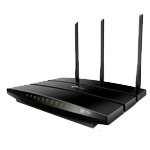










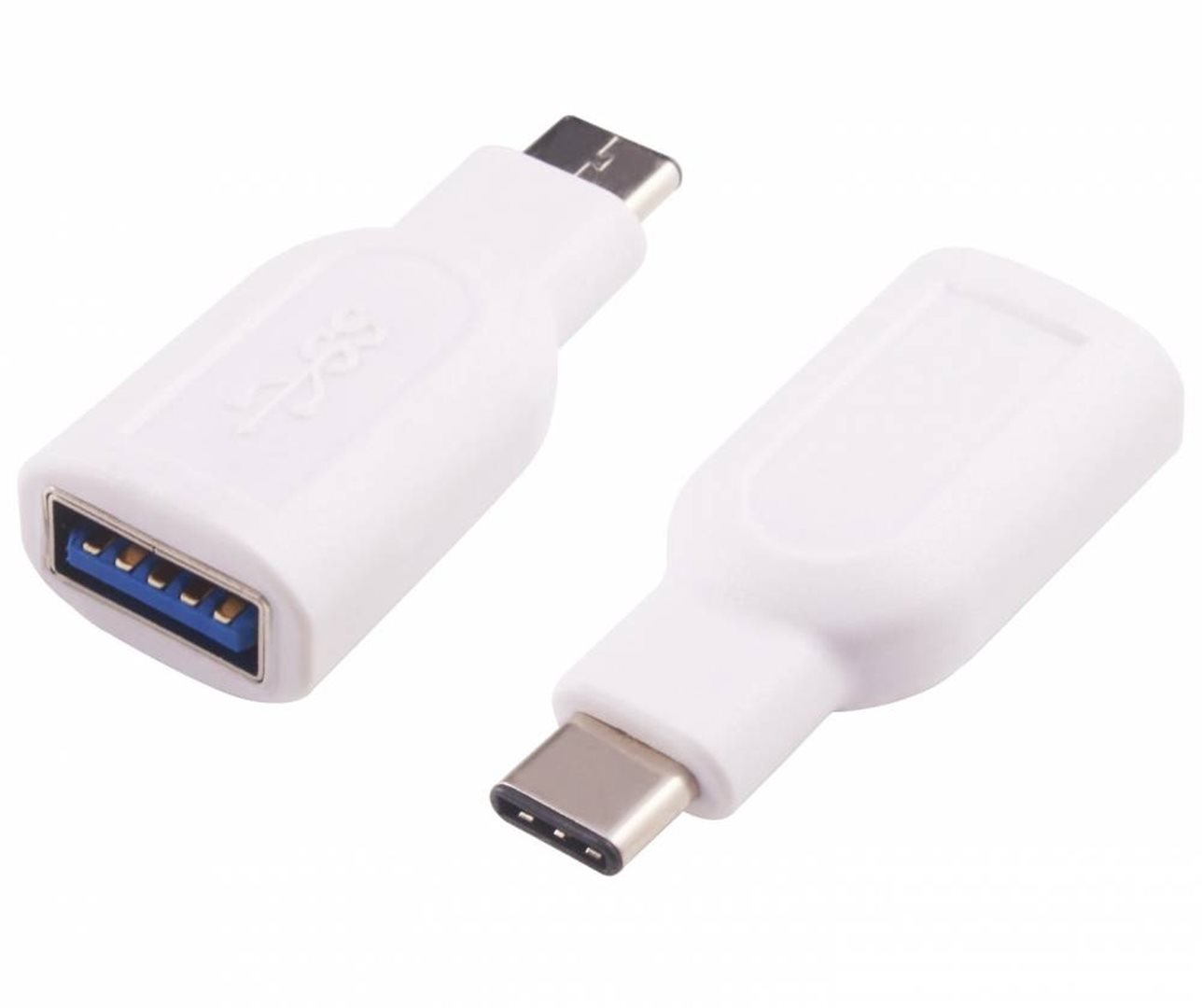











































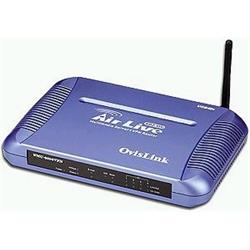
NE OvisLink WMU-9000VPN 802.11g AP/4-port VPN router/QoS/4xU
Objednací kód: 9011023,Part No.: 4719869611932,Záruka spotřebitel/ostatní: 24 měsíců / 24 měsíců

Je nám líto,
ale tento produkt je beznadějně vyprodán a nebo je pouze dostupný jako dárek k vybranému výrobku. Vyberte si, prosím, ze související nabídky níže.
Popis
Technická specifikace
Konektory: 4 x RJ-45 (10/100 Mbit/s) LAN, 1x WAN (10/100 Mbit/s), 4x USB 2.0
Management: Webový prohlížeč
Podporované WLAN specifikace: IEEE 802.11g
Přenosové rychlosti WLAN: 11g: 6/9/12/18/24/36/48/54 Mbit/s
Šifrování WLAN: WEP 64/128-bit
Router: DHCP server, VPN, FireWall, Built-in Print Server, Built-in FTP Server, Built-in Web Cam Server, Mail Monitoring, QoS Bandwidth Management, DDNS, Virtual Server
Certifikace: CE, FCC, EMC
Rozměry: 30 x 240 x 145
- 170MHz R3000 RISC CPU
- 8M Flash / 32M SDRAM
- IEEE 802.11g Wireless Standard
- Intersil Turbo Mode
- 4 High Speed USB 2.0 ports
- 4-port USB 2.0 Print Server
- 2-port Webcam Server with Motion Detection and Recording Function
- Built-in FTP Server
- Bandwidth (QoS) Manager
- Share USB Hard Disk
- Share MP3 file
- IPsec and PPTP VPN Server (Up to 100 VPN Tunnels, VPN Throughput up to 5Mbps, 1 Page Easy Setup)
- Enterprise-class Firewall
- PPPoE, PPTP, L2TP, Fixed IP and Telstra ISP Login Support
VPN Server
- Build secure networks over Internet
- No more high cost dedicated T1 line or Fiber Network
- Simple One Page Setup
- Full IPSec VPN Capability to protect data on Internet
- Support 168-bit 3DES Encryption algorithms
- Support both IPsec (for LAN-To-LAN) and PPTP(remote login) servers
- High VPN throughput
- Support 100 VPN Tunnels
- Compatible with other IPSec VPN products and PPTP client
Advanced Security - True Content Filtering - Parent Security control
- Keyword - Block website access with specified keyword
- URL - Block website access with specified URL
- IP - Block website access with specified IP or IP range
Enterprise Class Firewall
- SPI Firewall
- Denial of Service (DoS)
- Access Log
- WAN protection
Enterprise Class QoS
Put an end to one application or one user take up the entire Internet bandwidth
QoS bandwidth management allows users to pre-define the maximum bandwidth permitted by a application and performing Quality of Service priority so other LAN users still has sufficient bandwidth for their broadband access or using other applications
- Set high priority for http, ftp, VoIP, and SMTP applications..
- Set Priority and IP group (up to 4 groups)
- User definite 3-level bandwidth. Intelligent Auto Upgrade when no higher priority traffic is present.
Printer server
- Built-in Printer Server allows users to connect up to four printers with high speed USB 2.0 interfaces (480Mbps)
- Share up to 4 USB Printers
- Web based help on how to set up TCP/IP printing
- USB Status shows which port the printer is connected
USB Storage sharing
- Share or upload files with local and remote users by setting a FTP server using different type of USB storage devices.
- Simple setup procedure
- Once a FTP account had setup for a particular USB device, router will auto detect the same device once it has been re-plug in. No need for second installation.
- Allows users to set up unlimited FTP accounts with the same storage device by creating different partition or folder for each account.
USB Hard Disk Drive
- Cheapest and easiest way to set up a FTP server for your home and office
- Plug USB HDD, immediately set up a FTP server.
- Share this USB disk to the Internet and to his home.
- Set up a Network Neighborhood within LAN group.
- No need to setup a dedicate PC and leave it on 24 hours for FTP service. (Cost Saving)
- With PS/2 power connector for ultimate power stability.
USB Flash Drive
- Set up FTP Server for small volume user with Flash Memory Drive
- Fast and easy way to share files for frequent remote users.
- Simply Plug and Share
MP3 Player
- Download or share MP3 music files with your friends
USB Media Reader
- Fastest way to share files with local or remote users straight from different type of storage medium via media reader device.
Digital Camera
- Plug and Share your happy moments anytime with your friends around the world.
Webcam Server
- low cost and Easiest way to set up a Home/Office surveillance and security System
- Attach your USB web camera and view the video remotely through web browser
- Motion detection and Recording function
- Record video to your USB device
- Plug USB Web Camera, users can surveillance their home or office status through the web page from remote location via wired and wireless.
- Act as a DVR (Digital Video Recording) system. Allows users to digitally recording live video taken from web cam into hard disk.
- Plug USB Web Camera, users can detect any movement at t